Image Info
Loading...
Corner Coordinates (fractions)
Top-Left
-
Top-Right
-
Bottom-Left
-
Bottom-Right
-
Border Radius
JSON Config
Select an era and click corners on the image.
Instructions
1. Select era from dropdown
2. Click on image to place corners:
TL → TR → BR → BL
3. Drag markers to adjust
4. Adjust border-radius slider
5. "Copy Config" for this era
6. "Export All" for full JS object
2. Click on image to place corners:
TL → TR → BR → BL
3. Drag markers to adjust
4. Adjust border-radius slider
5. "Copy Config" for this era
6. "Export All" for full JS object
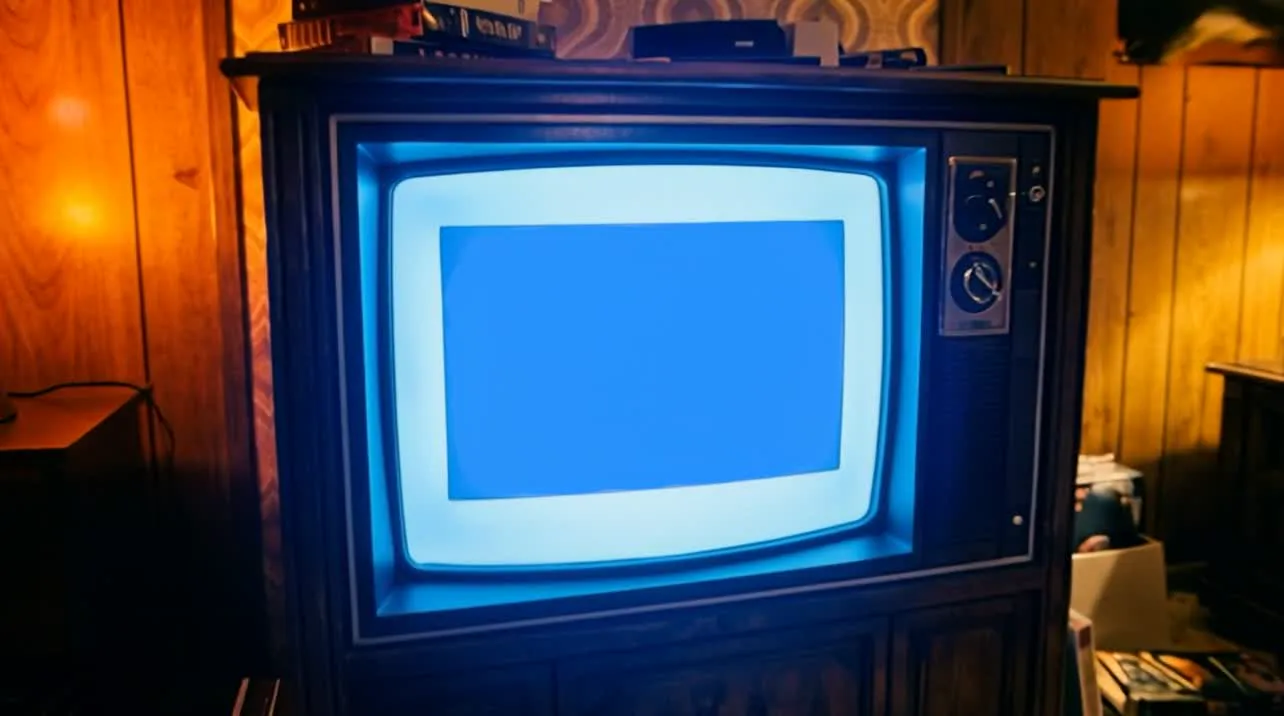
Live Preview (simulated viewport)
Shows how the terminal will look with object-fit: cover at the
preview panel's size. Resize the browser to test different proportions.